Pixel Perfect Applications from Design

WaveMaker's microservices platform integrates AI with modern front-end, backend, mobile, and DevOps technologies to rapidly build or augment enterprise-grade cloud-native applications.
Try it Now
How AutoCode Works

Install the Plugin

AutoCode is available in the Figma plugin store.

Run the Plugin

Run it on Figma designs that use Material 3 design system. Don’t have designs that use M3? Try building one on our WaveMaker UI Kit.

Instant App Creation

Discover a perfect app in the studio, with 100% accuracy. Bind it to an API and ship it to users.

Accurate,
Immediate
Translation

Automatic component
detection

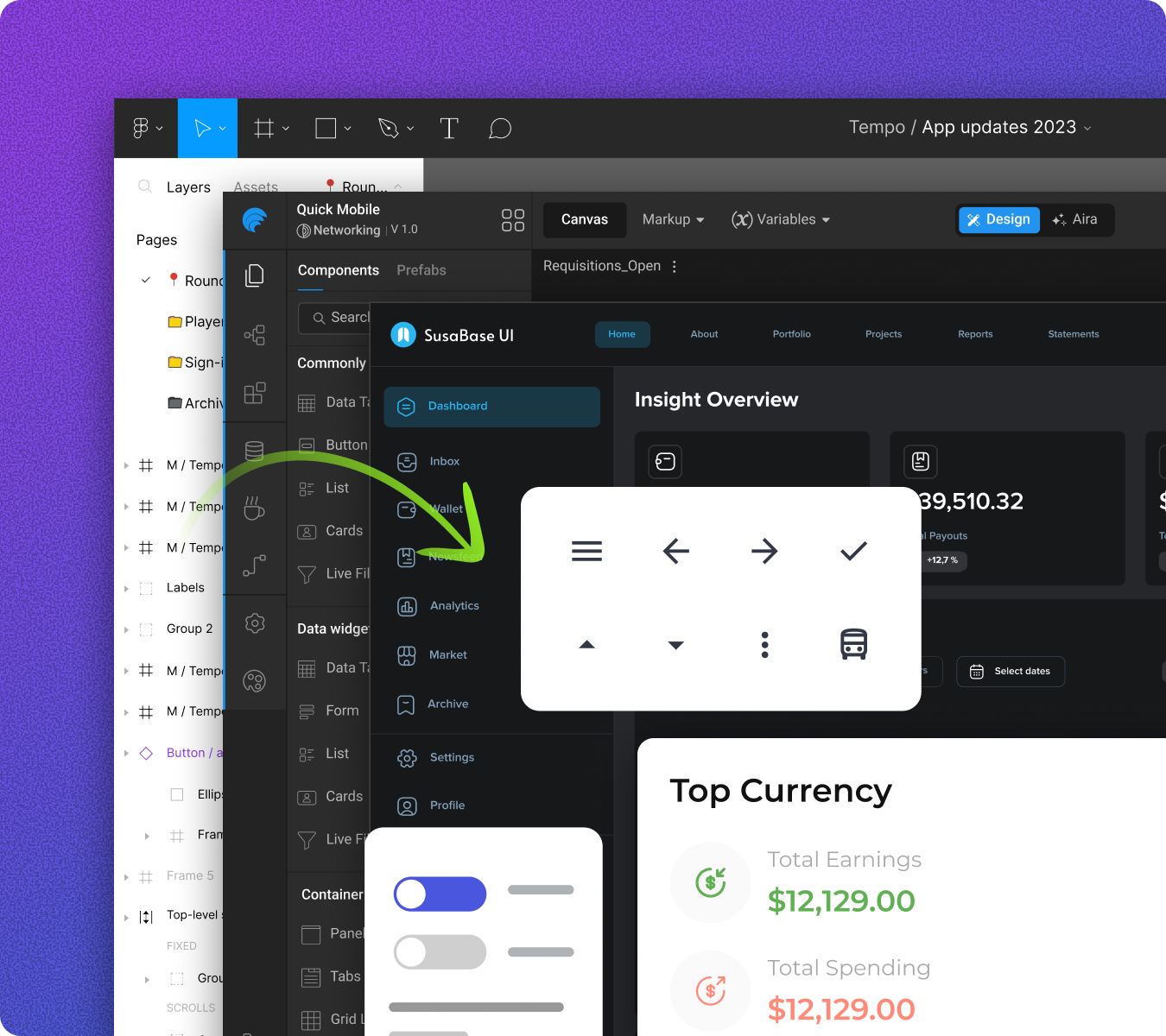
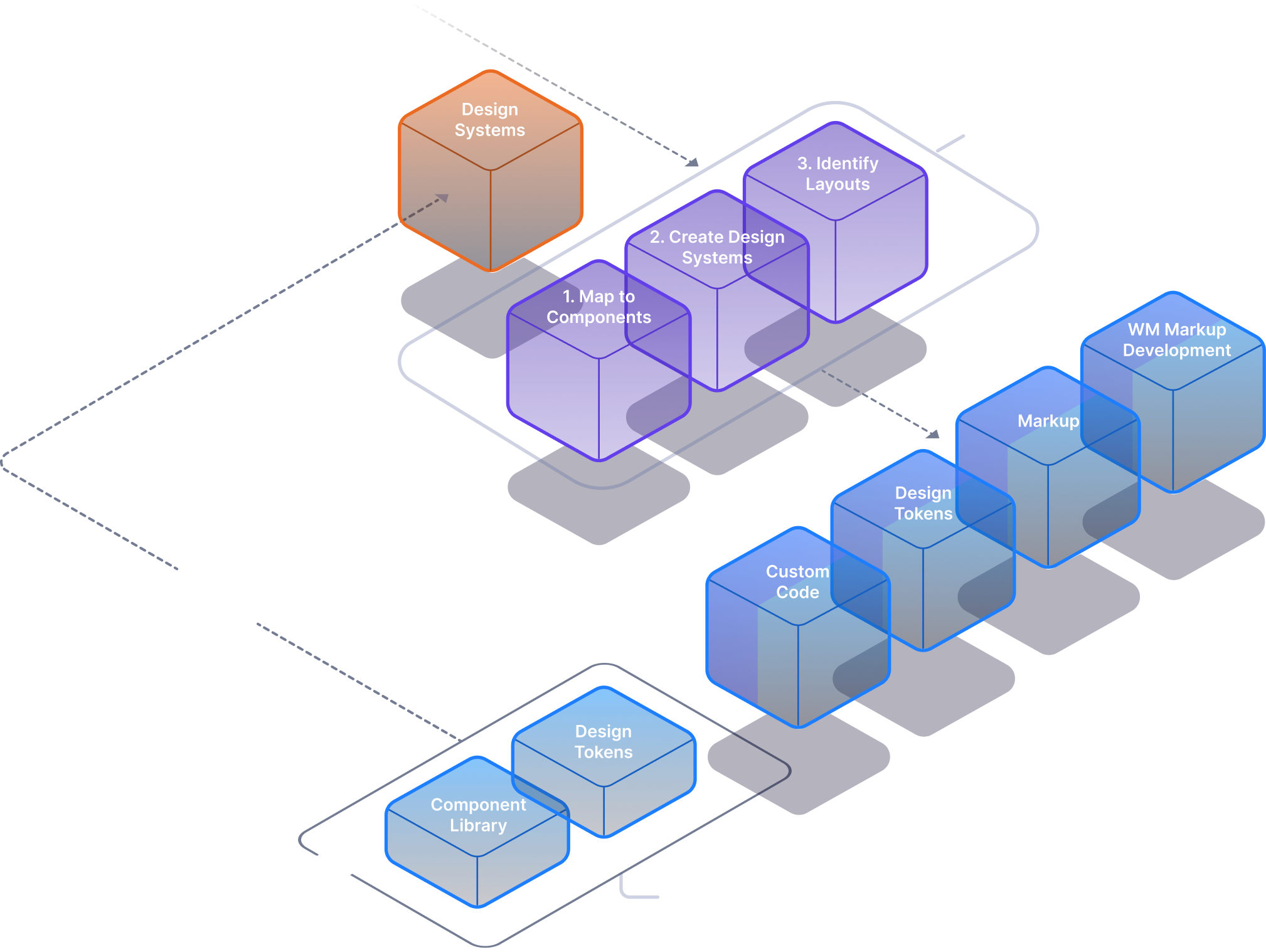
AutoCode detects components used in your Figma design and maps them to corresponding components in WaveMaker.

Prototype app links
to working navigations

Designers use prototype in Figma to link pages and overlays, these get translated into page navigations in the generated code.

Accurate detection
of groups

The AI model detects important groups such as Forms (single step and multi step), Lists, Cards and generates corresponding code.

Material 3
compliance

WaveMaker Component library fully implements M3 component functionality.

Figma variable and
Modes support

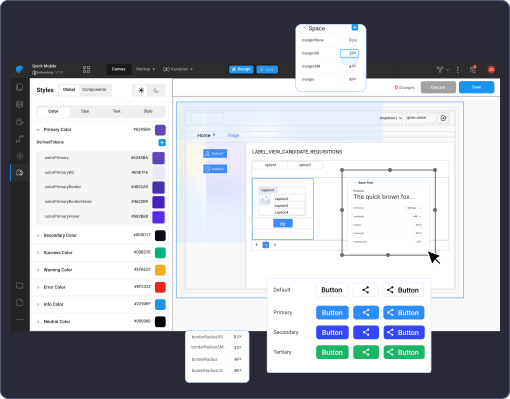
WaveMaker’s generated code maps all the design tokens maintained as variables in the Figma UI to JSON files in the form of Style Dictionary. Modes (light, dark, high contrast) are also picked up and are available as CSS variables.
Do More Inside the Studio

Extend
the code

WaveMaker studio already allows you to add custom business logic as simple JavaScript to any of your pages.

Drag-and-drop components
with identical design language

Drag and drop from WaveMaker component library and add features to your pages while staying fully complaint to your design language as defined while creating the Figma UI.

Battle Tested and
Secure Code

  • WaveMaker generates Angular code & keeps the version updated
  • Support for adding Authentication, Authorization
  • i18n support
  • Deploy to any cloud with CDN support
  • Create a team and Invite your developers to collaborate
  • Code gets saved in your Github/Gitlab/Bitbucket repo. Hook up your CI/CD pipeline

Seamless and
Scalable Workflow

WaveMaker UI Kit and AutoCode are next gen tools for product teams who value acceleration and consistency. The WaveMaker UI Kit lets design teams deliver production-ready UI and AutoCode converts the Design to Code, delivering a functional app complete with interactions and navigations.

On top of this, if you wish to create some more pages inside the studio, you can also employ WaveMaker CoPilot, an AI-powered assistant inside the WaveMaker studio, for prompt-based UI generation.

All the tools work in sync to provide developers acceleration with accuracy at scale.
How AutoCode Works
Onboard M3 compatible or custom design system using AutoCode, and get pixel-perfect UI code, design tokens, and fully styled component library

AI-ready Design System

M3-based UI kit for designers and developers building enterprise apps on WaveMaker

Figma Design to Working Frontend

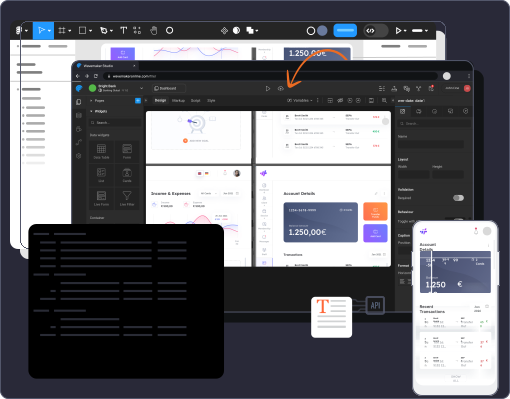
Convert Figma designs to web or mobile front-end code with design tokens, components, and app functionality

Style Workspace

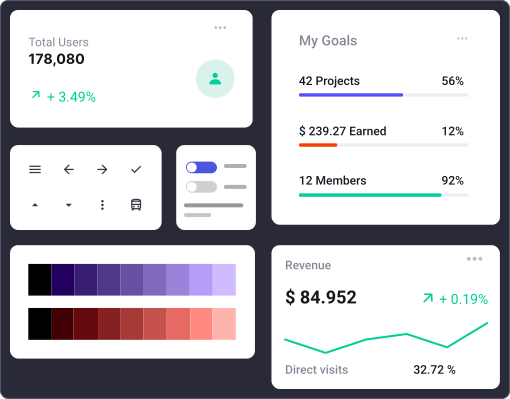
Studio design workspace to manage design tokens and UI styles for a consistent look across apps.

Component Marketplace

Studio design workspace to manage design tokens and UI styles for a consistent look across apps.
© Copyright 2026 WaveMaker, Inc. All rights reserved.
Privacy PolicyTerms of Use